
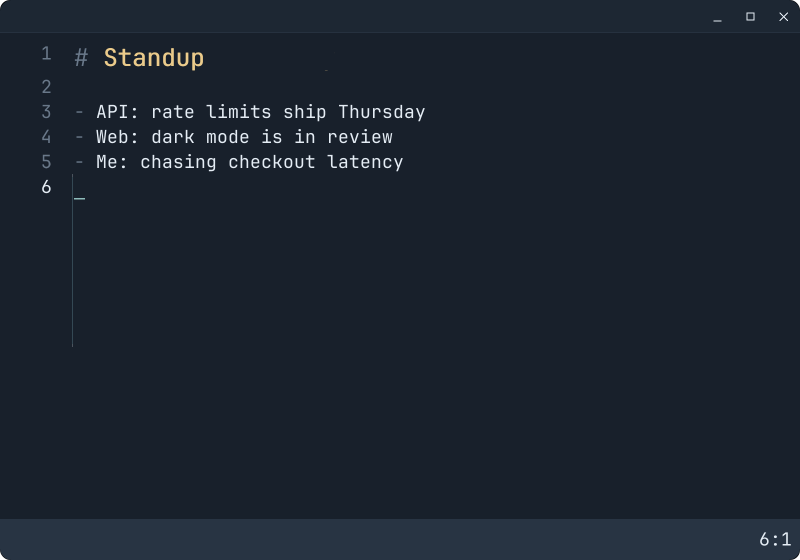
A tiny, fast Markdown scratchpad with Vim keys and inline images. Nine pages, no file management, one native binary for Linux (Wayland) and Windows.
Install on Linux
curl -fsSL https://osigurdson.github.io/mib/install.sh | sh
This installs mib v0.1.4 (released 2026-11-12, release
notes) to ~/.local, with no sudo; run it again to upgrade. It needs x86_64, a
Wayland desktop (GNOME, KDE Plasma, Hyprland, Sway…) and glibc 2.39 or newer, as in
Ubuntu 24.04, Fedora 40, Debian 13 and Arch. Elsewhere,
build from source.
Windows
The Windows build is experimental and not released yet; see building it.
macOS
Not supported yet. If you'd use it, say so in an issue; that decides whether it happens.
Where the files come from
Nobody builds a release on their own computer. Pushing the tag v0.1.4 made GitHub Actions
build commit 6546eef623b7 on
GitHub's servers, run the tests and publish the files below. Two things let you check that
what you have is what that run built:
- Checksum. Each file's SHA-256 is listed below. The install script has the Linux one built in and refuses a download that doesn't match.
- Build provenance. GitHub also signs a statement for each file naming the
repository, commit and workflow run that produced it. A file built anywhere else, or changed
afterwards, fails the check. With the GitHub CLI:
gh attestation verify mib-v0.1.4-linux-x86_64.tar.gz --repo osigurdson/mib
mib-v0.1.4-linux-x86_64.tar.gzsha256 34b5be64c6842c5c9aee3a7ae2c244a705e489a593b85a290b2f77b857627721 | 124 KiB |
mib --version shows the release and commit you're running. All
releases and their
attestations are on GitHub.